

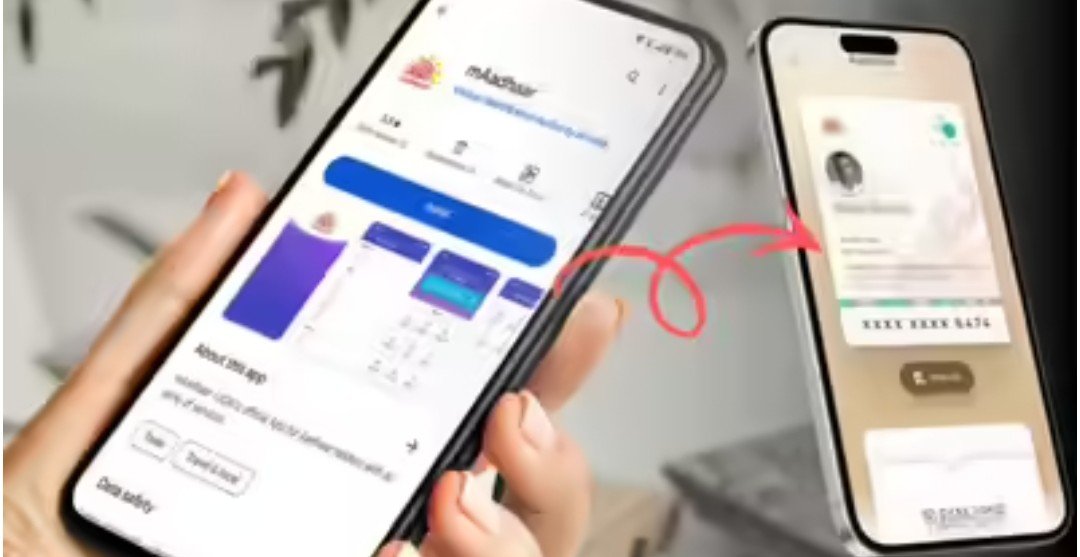
Launched in 2009, Aadhaar is today the world’s largest biometric identification system. According to reports, over 1.44 billion numbers have been issued under it. Keeping this in mind, the UIDAI discontinued the old mAadhaar app and released a new, more advanced app. The full version was recently released. This new app not only makes Aadhaar paperless but also provides greater control over Aadhaar-related information. However, this raises the question of whether the old mAadhaar account will need to be transferred to the new app, and what features does the new app bring?
It’s worth noting that you can use the new Aadhaar app as a new user, and your old mAadhaar app account doesn’t need to be linked to it. Furthermore, the new app allows you to digitally share your Aadhaar and correct errors related to your name and address. Additionally, you can set a biometric lock on this new app to protect your Aadhaar.
The new app is better than mAadhaar in the following ways:
After the mAadhaar app was discontinued, UIDAI’s sole Aadhaar app is Aadhaar. It is superior to the old app in several ways. The old mAadhaar app used SMS-based OTP and PIN to log in. The new app enhances security by incorporating advanced features like face authentication and biometric lock/unlocking.
The new Aadhaar app features masked Aadhaar and QR code-based selective sharing. This gives you greater control over your Aadhaar information and allows you to share only as much information as you wish.
People are concerned about UIDAI’s new Aadhaar app, whether they will need to transfer their old mAadhaar app accounts to this app. The answer is no. You can access the new Aadhaar app as a new user and log in using your Aadhaar number and biometric identification.
In this app, you’ll find your Aadhaar in the form of a QR code, which you can share digitally. Furthermore, this app also allows you to correct your name and address on your Aadhaar card. Any Indian citizen can download this app from the Google Play Store or Apple’s App Store.
Regarding other features of the new Aadhaar app, you can add not just one but five profiles. However, they must all be linked to your mobile number. This way, you can keep your children’s Aadhaar on your phone as well. Additionally, the option to lock or unlock biometrics is also available on the home screen of the new Aadhaar app.