

Now, many Aadhaar-related tasks can be performed without an OTP. Until now, it was impossible to perform any Aadhaar-related task without a registered Aadhaar number. However, UIDAI has now introduced new options for users who do not have a registered number or cannot access their number for some reason. With this new service, important Aadhaar-related tasks can be performed without an OTP.
Instead, UIDAI has promoted face authentication. This allows you to use face authentication instead of an OTP for certain Aadhaar-related tasks. This allows for tasks like ordering an Aadhaar PVC card and downloading a digital Aadhaar card. You will no longer need an OTP for these.
Now, you can order the PVC version of the Aadhaar card, i.e., a plastic card, without an OTP.
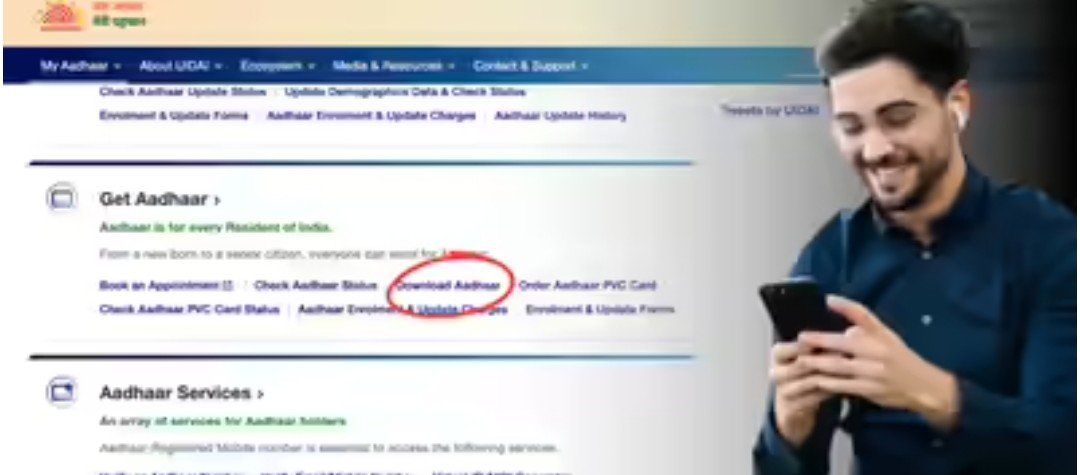
You need to visit the UIDAI website and click on “Order Aadhaar PVC Card.”
You will then be asked to enter your Aadhaar number or Virtual ID.
You will then need to provide some more details and make the payment.
Then, the PVC Aadhaar will be delivered to your address.
If you don’t have a number linked to your Aadhaar, or your registered mobile number is lost or inaccessible for some reason, you can still download a digital copy of your Aadhaar. To do this, you will need to download the official app and click on “Download Aadhaar” in the app.
Next, select the new face authentication feature for verification.
The app may ask for camera access here. Allow it.
You can now download a soft copy or e-copy of your Aadhaar by scanning your face.
This copy will download as a PDF. To open it, you will need to enter the first four letters of your name (in capital letters) and your year of birth.
If the face authentication feature is not visible in the app, check by updating the Aadhaar app or wait for an update to arrive.
To perform face authentication, you must grant the app permission to use your camera. Without this, the app will not be able to use the camera.
When using face authentication, be in a well-lit area.
While using the face authentication feature, you must blink while looking into the camera so that the app can confirm that no photo of yours is being used.