

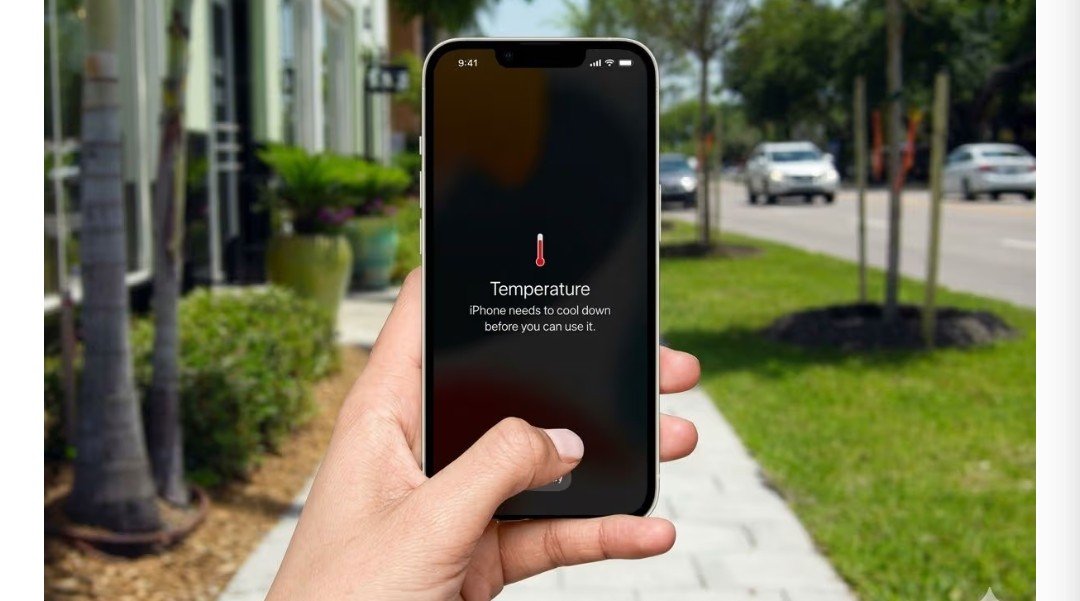
If your iPhone suddenly starts overheating, you’re not alone. Temperatures in many parts of India are soaring above 45°C these days, and the effects are clearly visible on your phone. In this intense heat, the phone’s internal systems work harder to keep itself cool. But there’s no need to worry. By making a few simple changes, you can prevent your iPhone from overheating. Let’s find out how.
There are several reasons of iPhone Overheating,Afew of these are as follows:-
Extremely hot weather: If you leave your phone in direct sunlight or use it in extreme heat, the phone heats up quickly.
Using while charging: Playing games or watching videos while the phone is charging can cause it to overheat.
Wireless charging: Charging with a wireless charger generates more heat than charging with a standard cable.
Heavy apps and gaming: Running heavy apps or playing high-graphics games puts a heavy load on the processor, causing the phone to overheat.
Background apps: If too many apps are running in the background, GPS is on, or multiple devices are connected via Bluetooth, the battery is constantly being used, and the phone gradually heats up.
In order to cool an overheated iPhone ,use following steps:-
Move the phone to a cool place where the temperature is low.
Avoid using thick or heavy phone covers, as they prevent heat from escaping.
Charge with a regular charging cable instead of wireless charging. This will put less strain on the phone.
Close heavy apps that are running in the background and are not useful.
Use the iPhone in Low Power Mode. This reduces background activity and reduces the load on the phone.
Keep the phone out of direct sunlight and never leave it on the dashboard of a parked car or bike.