

In today’s times, mobile data has become a necessity in people’s everyday lives. From scrolling social media to online classes, video calls, OTT platforms, and digital payments, almost everything depends on the internet. When phone data runs out quickly, it becomes a problem.
Users using 1GB or 1.5GB daily data plans often complain about their internet usage running out by evening. Many people also believe that telecom companies are not providing the full data, but the real reason is often certain phone settings and apps that continue to consume internet unnecessarily. Some social media apps and background features consume so much data that the user is unaware and their entire internet usage is exhausted.
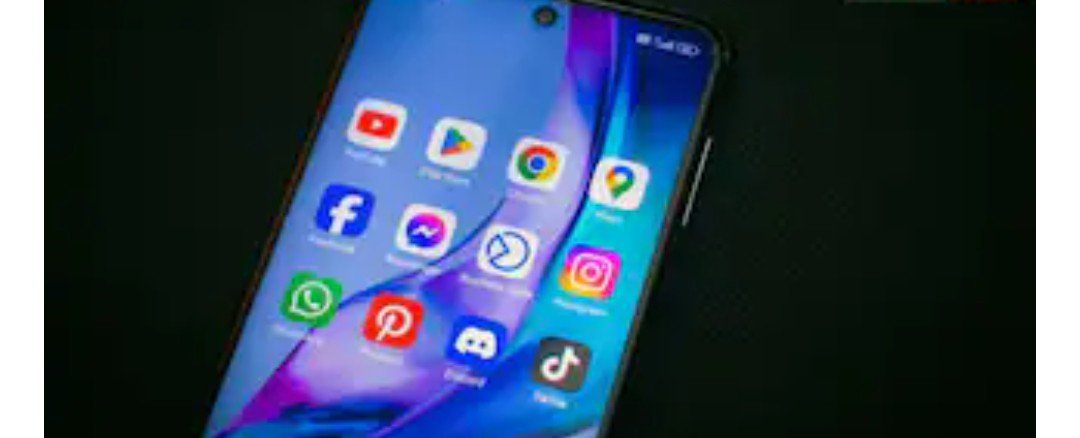
Social media and video streaming apps consume the most mobile data. YouTube is considered the top user. If a user continuously watches videos or shorts, they can consume 3GB of data in 1 hour. Watching HD videos, especially, consumes data quickly. Instagram also uses a lot of internet. Using Instagram for one hour can consume between 500MB and 1GB of mobile data. Due to Reels, high-quality photos, and auto-preload features, it continuously consumes data in the background. Scrolling through videos and Reels on Facebook also increases internet consumption.
Sometimes, data continues to run out even when users are not using their phones. This is due to apps running in the background. Shopping apps, map services, gaming apps, and social media apps constantly use the internet. This is why data starts running quickly even without much use. Google Maps and other navigation apps also consume a lot of data, although they can be used offline.
Auto-updates of apps and software on your phone are also a major cause of data consumption. Often, the Google Play Store or App Store downloads large updates in the background, consuming all your data. Therefore, experts recommend setting auto-update apps to use only on WiFi.
To save mobile data, you can enable data saver or low data mode on your phone. This feature is available on both Android and iPhone; turning it on reduces unnecessary background internet usage. Disabling auto-downloads on WhatsApp, enabling the Use Mobile Data feature on Instagram, and using light mode on the Chrome browser can also be very helpful. Android phones also offer data warning and data limit features, allowing users to set their daily internet limit. Once the limit is reached, the phone stops using the internet. This saves data for when needed, allowing for smooth internet usage throughout the day.