

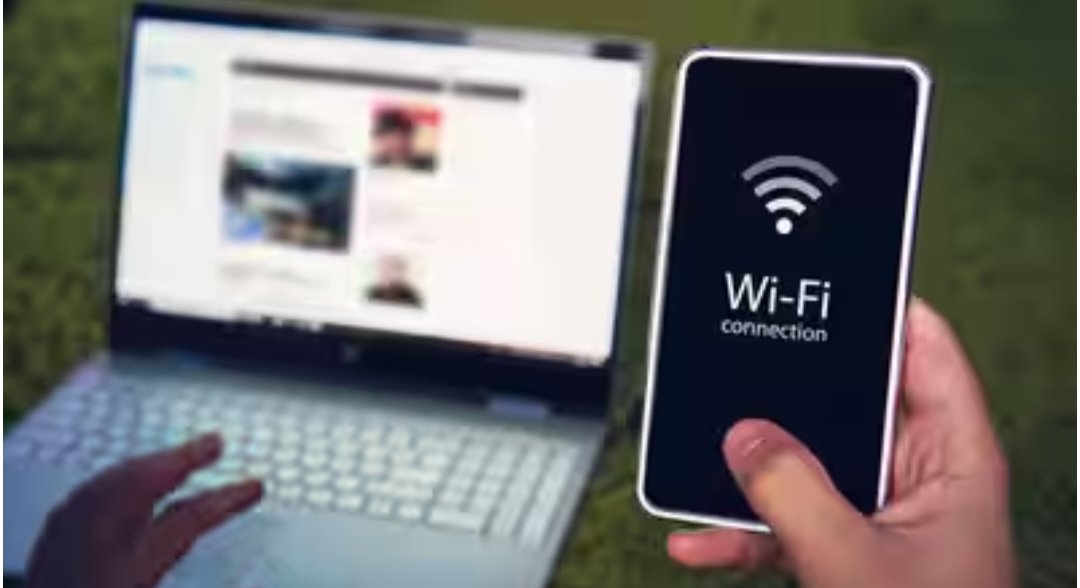
Do you also recharge separately for mobile data and home broadband Wi-Fi? What if your phone’s unlimited 5G data could also handle your home Wi-Fi? Technically, such a setup is possible. In fact, every smartphone today comes with a high-speed hotspot, and telecom companies are offering many plans with unlimited 5G internet. However, this setup would prove to be nothing more than a trick.
While this method may allow you to accomplish two things with one recharge, this setup has its limitations and challenges. Such as keeping your phone always on and available as a router, the FUP limit inherent in unlimited data plans, and phone battery and range issues. Therefore, it’s important to understand why a mobile hotspot can’t perform Wi-Fi functions even if it were intended.
There are the following problems with using your phone as a router:
The idea of using your phone’s unlimited data plan as a Wi-Fi network at home sounds great, but it’s not practical. Keeping your phone’s hotspot on all the time is a cumbersome task. This will not only impact your phone’s battery life and life, but also cause it to overheat due to multiple devices connecting to it. Furthermore, using your phone as a router becomes difficult for two other reasons:
First, your hotspot will stop working when you receive a call, disconnecting all connected devices. Second, all connected devices will stop working as soon as you leave the house.
If you think that unlimited 5G mobile data is truly unlimited, it’s not. These unlimited plans come with a cap, limiting your monthly data usage to 200 or 300 GB.
Whereas, with Wi-Fi connections, this limit is up to 1 or 2 TB, which is significantly higher than a mobile data plan.
Therefore, if you engage in 4K streaming, gaming, or heavy downloading at home, this limit may hinder you.
Compared to a broadband router, the range of a phone hotspot is quite limited. You can’t get a stable range throughout your home with just one phone. For this, you’ll need a router to ensure smooth internet access throughout the home.
Furthermore, a router can connect 30 to 50 devices compared to a phone. However, even connecting 4 to 6 devices to a phone can cause network congestion. Therefore, connecting more devices to a phone increases latency and reduces internet speed.
A phone can be used as Wi-Fi in the following situations:
If you have an extra phone that you can leave charging all the time and don’t need to take out of the house, you can use it as a router.
If you don’t use more than 200-300 GB of data per month, you can consider using your mobile data plan as a Wi-Fi plan.
If you don’t use smart devices at home and only connect to your phone for a maximum of 4-5 devices, your phone can be used as your home Wi-Fi.
However, for a better experience, you should use a broadband Wi-Fi connection.