

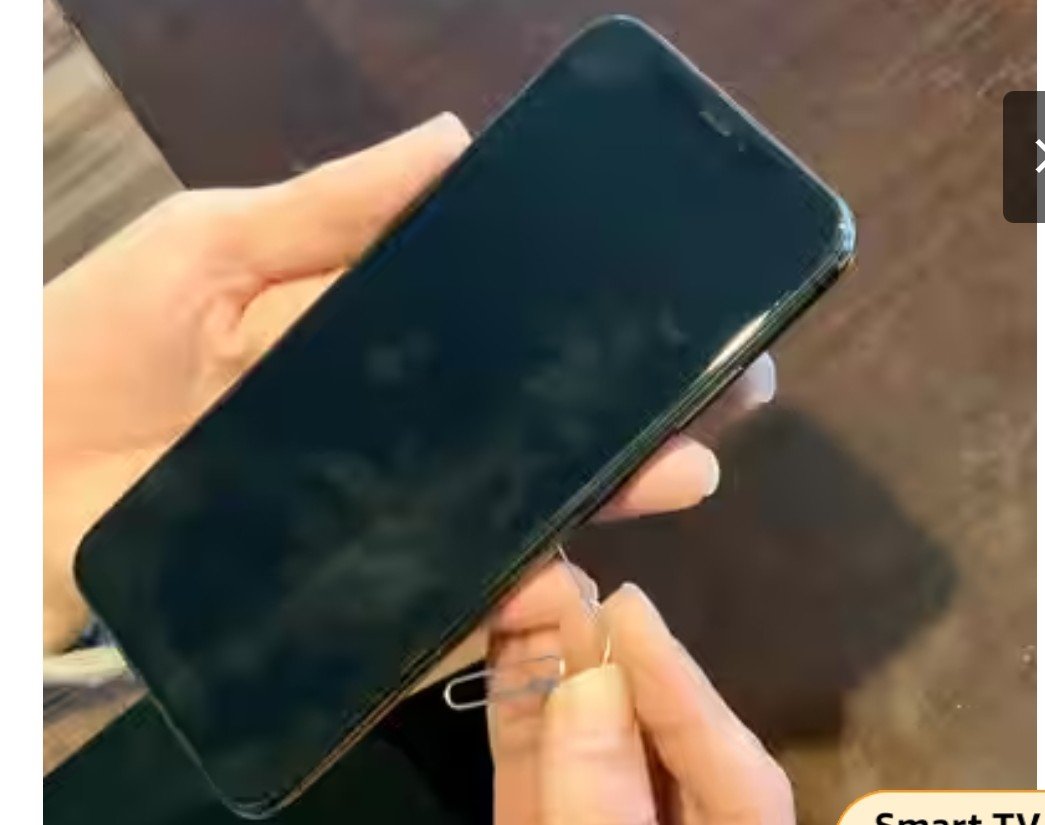
Can any sharp object, such as a needle, be used to remove the SIM card from your phone? This question often arises when you need to remove the SIM card and cannot find a SIM ejector pin. In such a situation, people resort to using any sharp object, such as a sewing needle, an awl pin, or even a toothpick. If you do this, you could unknowingly damage your phone.
The hole for ejecting the SIM tray does not have a button that can be pressed with a thin object like a needle to eject the tray. It uses a spring-based lever-like system, which must be pressed with a tool of the correct width and with a specific pressure. Using any sharp object can damage your phone’s waterproof seal, motherboard, and even the mechanism that holds the SIM tray in place.
If you try to remove the SIM tray in a hurry with a sewing pin or an all-pin, the mechanism holding the SIM tray in place could be damaged. In this case, you may need to replace the SIM tray with a new SIM tray or the entire frame of the phone.
In addition, inserting a sharp object like a needle into the hole for removing the SIM tray can distort the shape of the SIM tray lever. You may have noticed that the SIM ejector pin found in the phone’s box is not pointed. This is to maintain the shape of the point where the pin strikes and ejects the SIM tray.
If a pin that is too thin is inserted into the hole for removing the SIM tray, it could break and become stuck, leaving you with no option but to take the phone to a service center.
Many smartphone models also have a noise cancellation or primary microphone hole near the SIM tray. If you accidentally insert a sharp object like a needle into the microphone hole, it could tear the waterproof seal and the microphone, causing significant expenses.
It’s worth noting that this microphone hole is designed with the SIM ejector pin in mind, and inserting the SIM ejector pin inside doesn’t damage the microphone.
Not only this, there’s a rubber seal around the inside of the SIM tray, called a gasket. This prevents dust and water from entering your phone. Inserting a sharp object into the SIM tray can cut this rubber seal, breaking your phone’s waterproof seal and easily damaging your phone.
You may have noticed that different manufacturers’ smartphones come with different types of SIM ejector pins in their boxes. These pins vary in shape and size. However, all have a flat and rounded tip instead of a pointed tip.
Each company customizes the thickness of the pin provided in their box to the exact thickness needed to press the SIM tray ejector lever.
In this case, it’s essential to use the SIM ejector pin that comes with your phone so that the SIM tray can be ejected quickly without any shock or damage.
You can also use the pin found in the box of another smartphone to remove your phone’s SIM tray. However, due to variations in size and thickness, not every SIM tool may work with your phone. In such a case, use the pin that comes in your phone’s box.
If you can’t find a SIM ejector pin and need to remove the pin from your phone, never use a toothpick, stapler pin, or needle.
You can use a stationery paperclip instead. The flat and thick end of a paperclip can prevent it from breaking and getting stuck in the SIM tray ejector hole, nor can it reach the waterproofing or microphone.
If the tray does not come out easily, do not force it and ask someone nearby for a SIM ejector pin.