

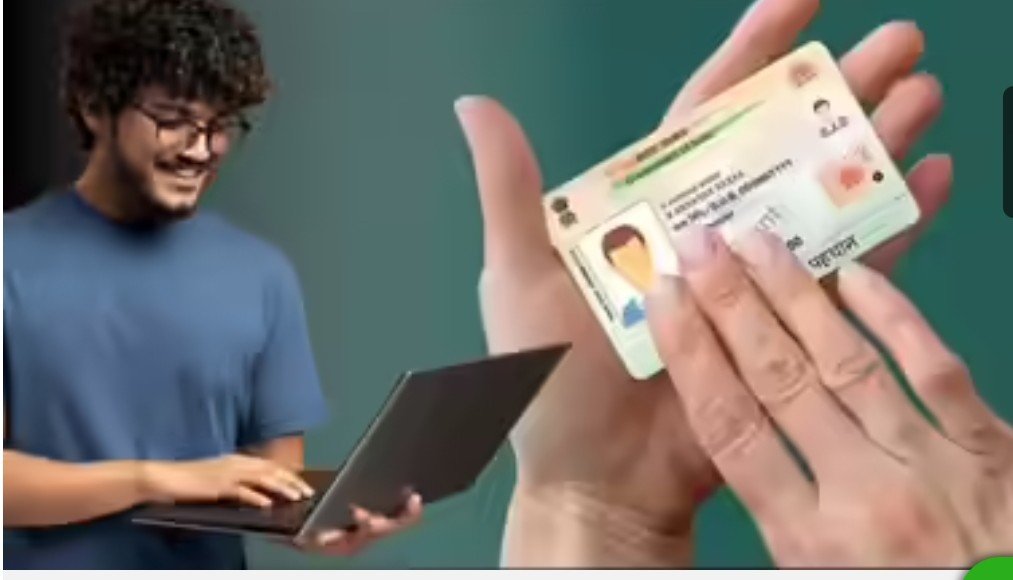
Are you worried that sharing your Aadhaar number with others could lead to Aadhaar-related fraud? News of people’s bank accounts being emptied by exploiting their Aadhaar numbers is common. However, you can virtually eliminate this risk by creating a VID for your Aadhaar number. A VID, or Virtual ID, is a 16-digit identification number that you can share instead of sharing your Aadhaar number.
This reduces the risk of your Aadhaar number being leaked or misused to a minimum. It’s worth noting that generating a VID for Aadhaar is quite easy, and you can even do it on your phone. Now, the question is: how does this Virtual ID work, and how is it different from your Aadhaar number?
You can consider a VID, or Virtual ID, as a digital security shield for your Aadhaar number. This is a temporary 16-digit number. Its function is to protect your actual Aadhaar number. You can generate it for Aadhaar verification and change it as many times as you wish. Therefore, wherever Aadhaar is required, your Aadhaar number is not shared, but a separate 16-digit temporary number is shared. This eliminates any chance of fraud using Aadhaar.
VID is a one-time mask number. Its function is to conceal your actual Aadhaar number and facilitate Aadhaar-related transactions. When you provide your VID to an institution, such as a bank or SIM card store, your Aadhaar authentication is completed, but the institution does not receive your Aadhaar number.
The UIDAI server identifies the VID you share by linking it to your Aadhaar number and simply confirms to the agency that your identity is correct.
The most important feature of VID is that it is temporary, and you can generate as many VIDs as you wish. As soon as you create a new VID, the old one will automatically be canceled. In this case, even if your VID is leaked, it will be of no use.
Another feature is that when you verify using a VID, the other entity receives only the information necessary to share it with the other party. However, if you share your Aadhaar card, all the information on your card is shared with the other party.
To generate a VID, first go to https://myaadhaar.uidai.gov.in/ and log in using your Aadhaar number.
Then click on Generate Virtual ID on the Dashboard.
Now, click on Generate ID from the two options.
After this, your VID will be visible to you and will also be sent to your registered number.