

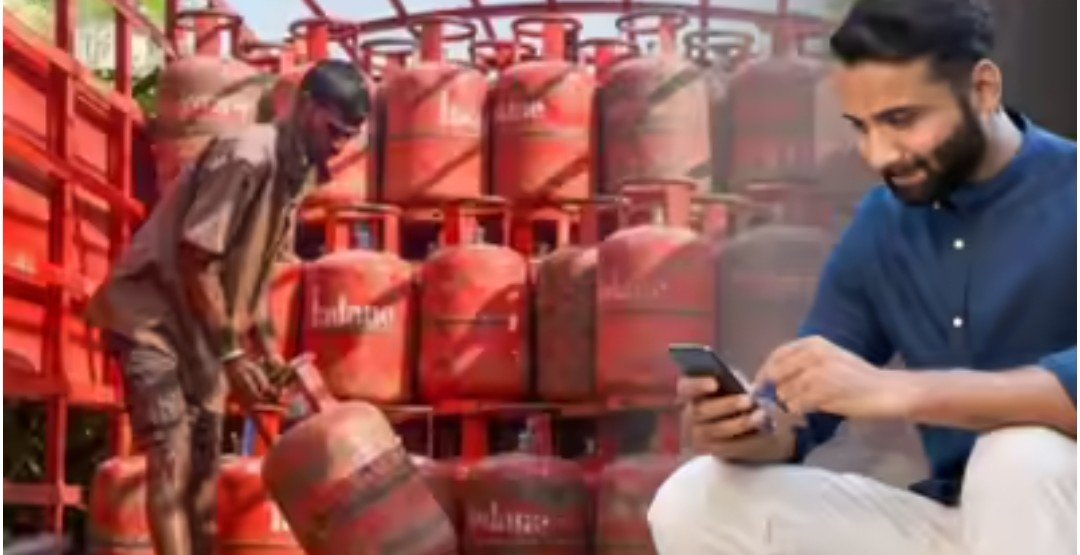
Amidst reports of LPG gas shortages, gas companies have implemented the DAC system to prevent the black marketing of LPG cylinders. This acts as a kind of OTP, and without this code, the cylinder will not be delivered. Therefore, if your number has recently changed or the number linked to your gas connection is no longer active, it is important to update your number. Without updating the number, or without the DAC code, you will not be able to receive the cylinder.
It should be noted that you can update the number linked to your gas connection from your phone at home. You can use the website, WhatsApp, or the gas company’s app.
You can update your number by visiting your gas company’s official app. To do this, you must download the gas company’s app and log in. After logging in, you can:
Scroll down on the home page and go to the Other Services option. In some apps, this may also be available under the name “One Touch Solution.”
You’ll find the option to “Change Mobile Number.”
Enter your new number and verify it via OTP.
After this, the number associated with your gas connection will be easily changed.
If you want to update your gas connection number from the website, you can go to MyLPG.in and complete the task in a few steps.
After visiting MyLPG.in, click on your company’s cylinder from the three cylinders displayed on the left.
This will take you to your company’s official portal.
Log in to your account here.
Then click on “Change Mobile Number” under “Profile.”
Enter your new mobile number and verify it via OTP.
This will change your number.
You can also update your gas connection number via WhatsApp. To do this:
Send “Hi” to your gas agency’s WhatsApp number.
Select “Other Services” from the menu.
Now select the “Change Mobile Number” option.
Provide your new mobile number when prompted.
The number associated with your gas connection will be updated once you verify the new number via OTP.