

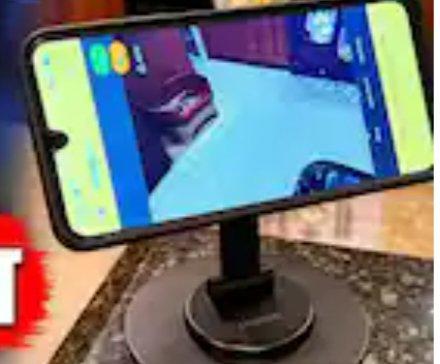
An old smartphone lying idle at home can serve as a high-quality CCTV camera. You don’t need to purchase any additional equipment or spend a single penny. Let’s show you how to turn an old phone into a live security camera.
To turn an old phone into a CCTV camera, you first need to check that its camera and Wi-Fi are working properly. You’ll need two smartphones for this setup: your old phone, which will be fixed in your home as a camera, and your current phone, which will allow you to view live video from anywhere. For this, a very popular and reliable app called AlfredCamera is available on the Google Play Store or Apple App Store, which is completely free.
Download this app on both your old and new phones. After opening the app, sign in with the same Google account (Gmail ID) on both phones. When you log in to your new phone, select Viewer and set it to Camera mode on your old phone. This will connect the two phones, and the live feed from your old phone’s camera will appear on your new phone’s screen.
You’ll be surprised to learn that this CCTV camera, made from an old phone, is no less powerful than any expensive commercial camera. This app also offers several amazing smart features for free. Its most useful feature is motion detection. Once you turn it on, as soon as a person or movement is seen in front of the camera, it will immediately start recording and send an alert notification to your main phone.
It also offers a two-way audio, or walkie-talkie-like feature. This means that you can not only hear the sounds inside your home while sitting in the office, but you can also speak directly to the person inside or the delivery boy by speaking into your phone’s microphone. For nighttime surveillance, it also includes a low-light filter and the option to remotely turn on and off the phone’s flashlight, ensuring clear visibility even in dim light.
Once your app setup is complete, it’s time to position your old phone in the right place. You can place it at a high place, such as the main gate, balcony, parking space, or children’s room. A small tripod, mobile stand, or strong double-sided tape can be used to hold the phone at the right angle. The most important thing is that constantly using the camera and internet can drain your phone’s battery in a matter of hours.
So, place your phone in a location nearby where there’s a power outlet so you can keep it connected to a charger. Keep in mind that do not keep the phone in direct sunlight, otherwise the phone may overheat and shut down due to charging and camera running simultaneously. So also uninstall all the unnecessary apps in the old phone and mute the notification sound so that it can guard the house 24 hours without any interruption.