

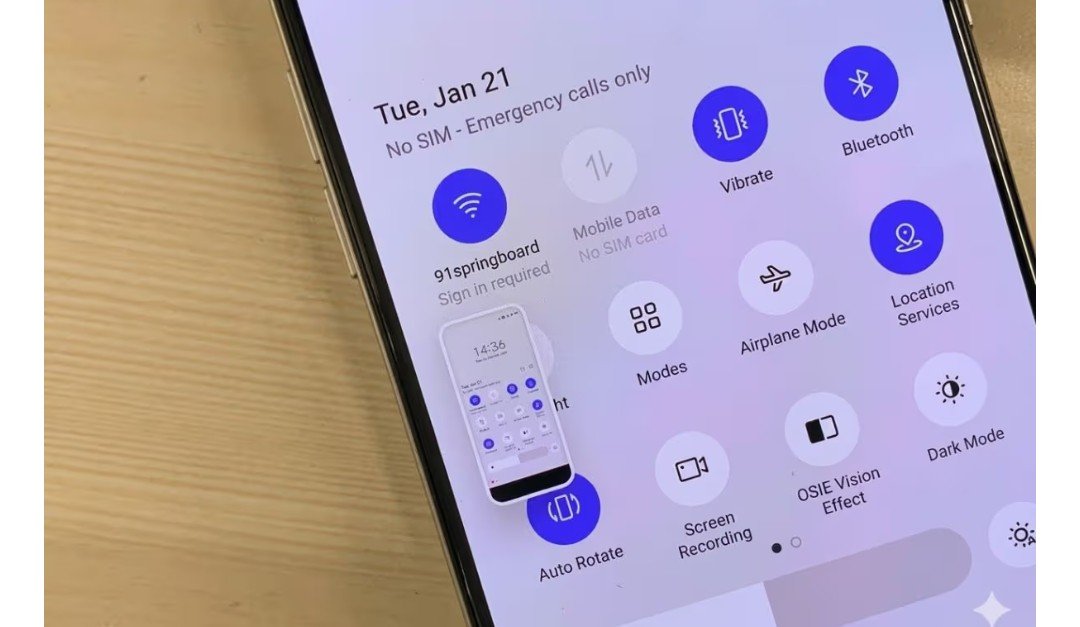
These days, almost every smartphone and laptop user takes screenshots daily. Sometimes to save photos, sometimes to preserve payment receipts, chats, or social media posts. But sometimes, people notice that the quality of a screenshot doesn’t remain the same after taking it, especially when zoomed in or shared repeatedly. This is due to the phone or laptop’s screen resolution, image compression, and screen capture method, not the quality of the original photo.
The biggest reason for photo quality deterioration after taking a screenshot is the reduced resolution. Simply put, imagine you downloaded a high-quality 4K photo but viewed it on a small mobile phone screen. When you take a screenshot, the phone captures the limited quality image displayed on the screen, not the original photo.
This is why, when you zoom in on the photo, details appear blurry, pixelated, or blurry. Many social media apps already compress photos, so the compressed version is saved in screenshots.
Another reason is file compression. Most phones save screenshots in PNG or JPEG format, and many apps compress them further during sharing. The difference in quality becomes more noticeable with repeated sharing.
The condition of photos deteriorates after sharing.
You may have noticed that after sending screenshots on WhatsApp or social media, their quality suddenly deteriorates. This is because most apps automatically compress the size of photos and screenshots to ensure faster upload times and reduce internet data consumption.
But this directly impacts the image quality. Text in screenshots appears blurry, details in photos disappear, and graphics don’t appear as sharp as before. This isn’t just a visual problem. Sometimes payment receipts become difficult to read, information on important documents is not clearly visible, or screenshots do not look professional in office presentations.